Serve a Model Imported from Hugging Face
Import a model from Hugging Face Hub into a NuFi Volume, register it in Model Artifacts, and deploy it as a Serving. Use this path when you want NuFi to handle download and registration from the dashboard.
Prerequisites
- A Volume for storing model files. If you need a new one, see Volumes.
- For private repositories, save a Hugging Face token in Projects first.
- For NPU serving, you need a compilable model and an available NPU device. You can also serve directly on GPU.
1. Import from Hugging Face
In the left sidebar, click Model Artifacts and open Integration. In the Hugging Face tab, click Import from Hugging Face.
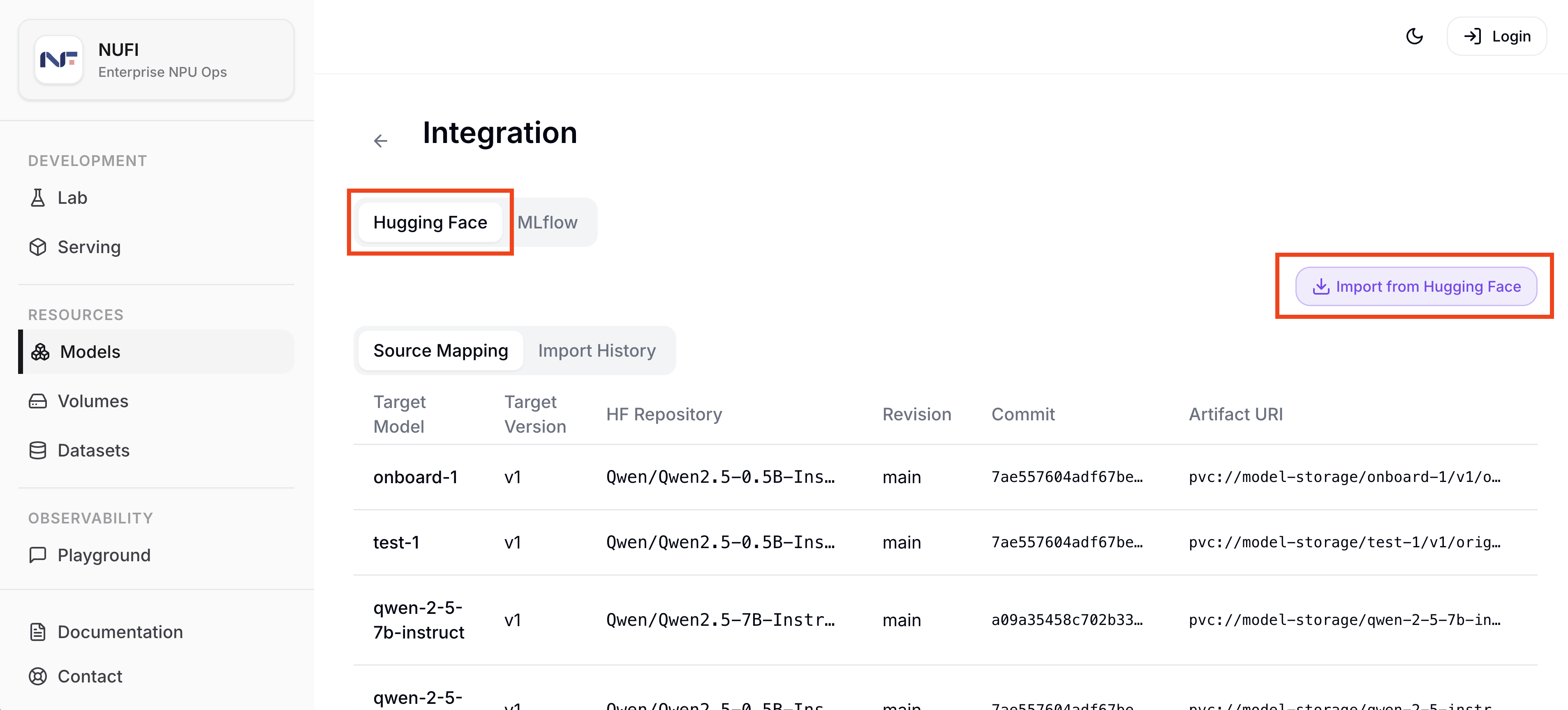
| Field | Example | Description |
|---|---|---|
| Repository | Qwen/Qwen2.5-0.5B-Instruct | Hugging Face repository in owner/name format |
| Target Model | New model | Create a new model or add a version to an existing one |
| Target Model name | qwen-instruct-tutorial-hf | Model name registered in NuFi |
| Target Version | v1 | Version to register |
| Volume | tutorial-volume | Volume where model files are stored |
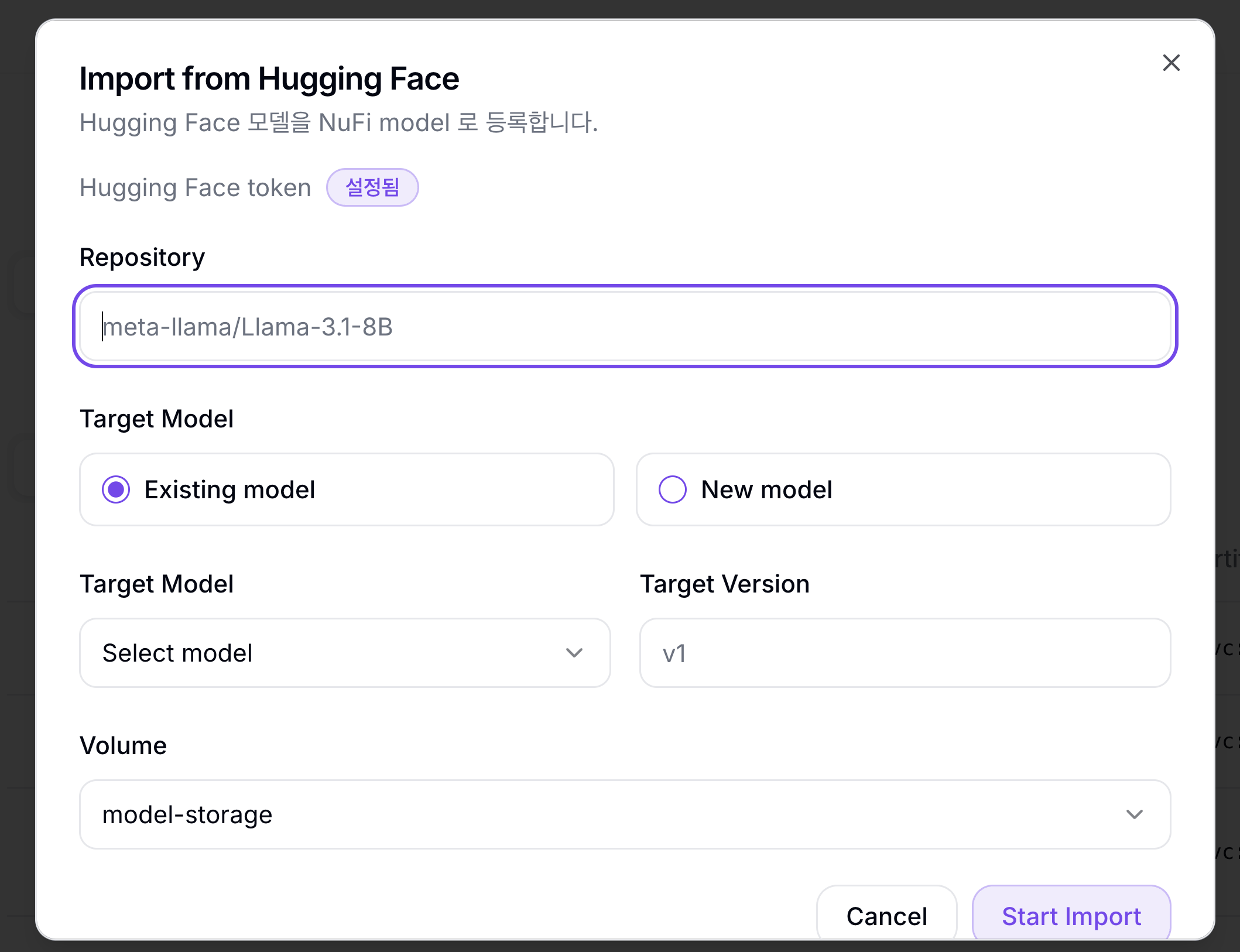
2. Check Import Status
In Import History, confirm that the job reaches Succeeded. When it finishes, the model files are stored in the selected Volume and a model version is created in Model Artifacts.
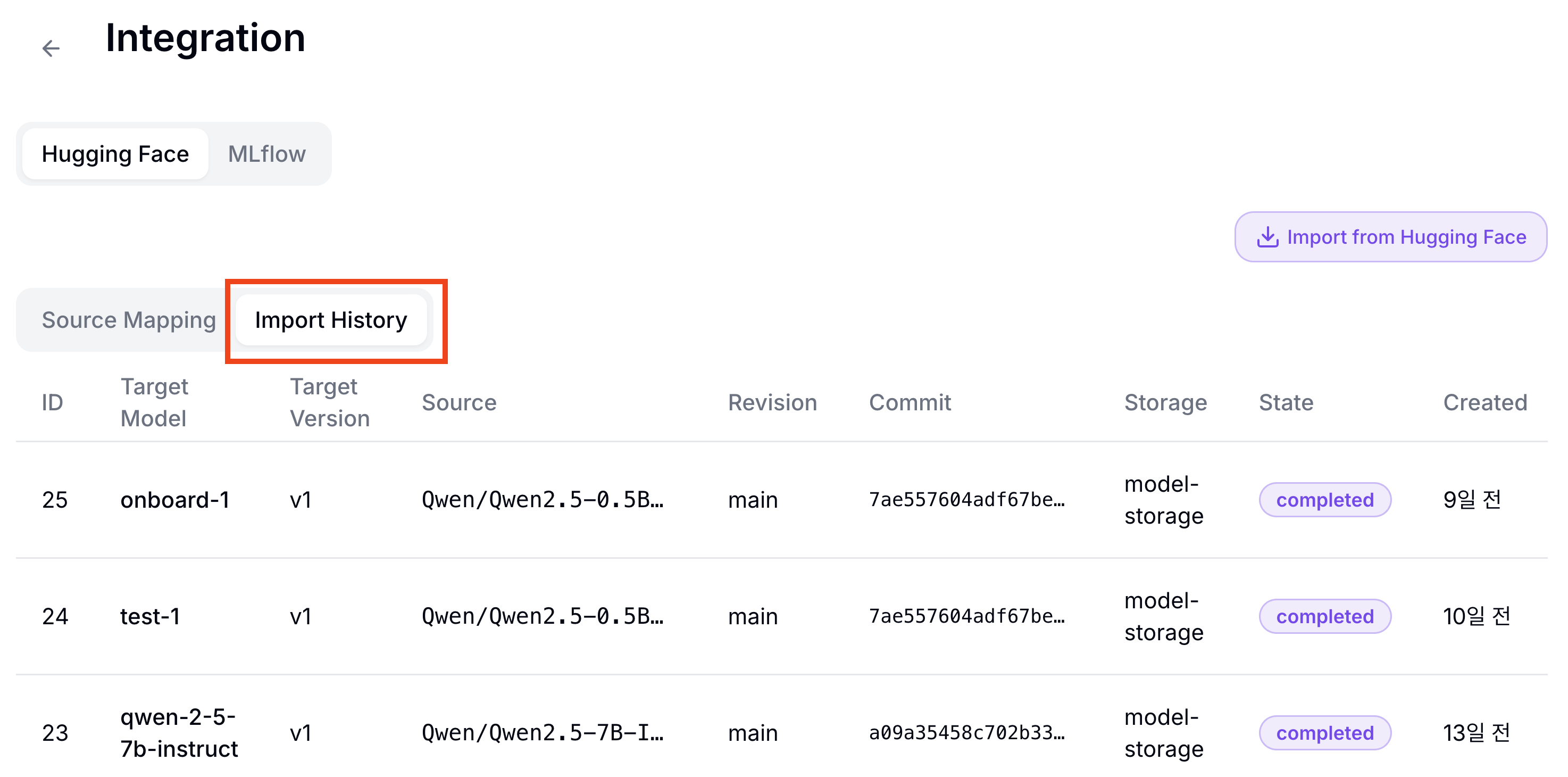
3. Choose a Serving Path
For GPU serving, run Quick Deploy from the model detail page.
For NPU serving, compile the source artifact first in Model Compilations. When compilation reaches Succeeded, run Quick Deploy with the generated NPU artifact.
4. Create the Serving
In the Quick Deploy dialog, confirm the model, version, and artifact, then enter a Serving name.
| Field | Example |
|---|---|
| Service Name | hf-import-serving |
| Version | v1 |
| Artifact | Source artifact for GPU serving, compiled artifact for NPU serving |
The deployment is complete when the Serving status becomes Ready.
Next Steps
To check the serving model's response, continue to Test Responses in Playground.
To check device and node metrics, continue to Check Metrics in Monitoring.