Test Responses in Playground
In the Playground, test the NPU and GPU servings with the same prompt to compare response quality and performance.
Test the NPU Serving
1. Go to the Playground
In the left sidebar, click Observability > Playground.
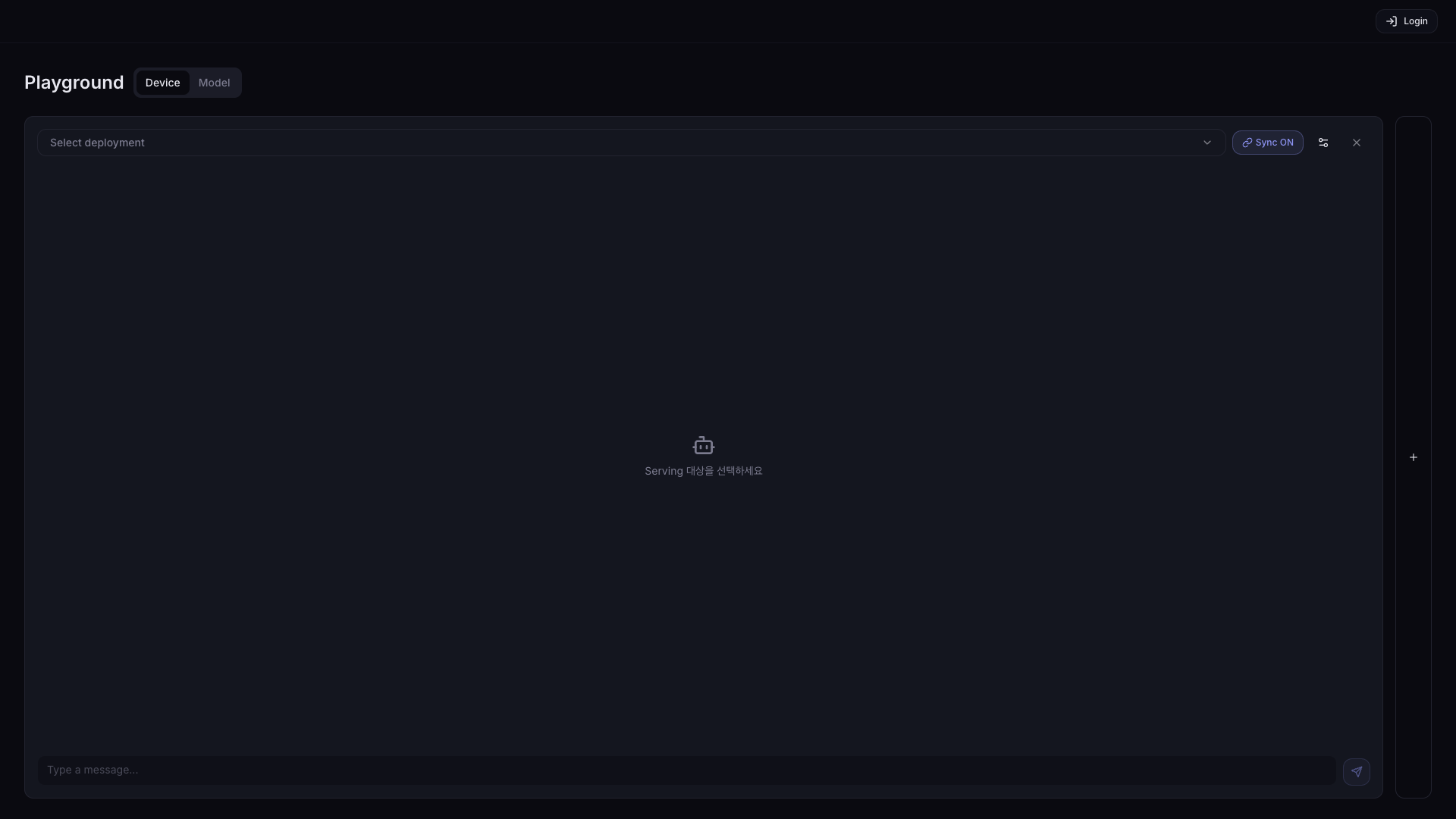
2. Select the NPU serving
Click the dropdown to see the list of deployed servings (NPU, GPU, etc.). Select the one you want.
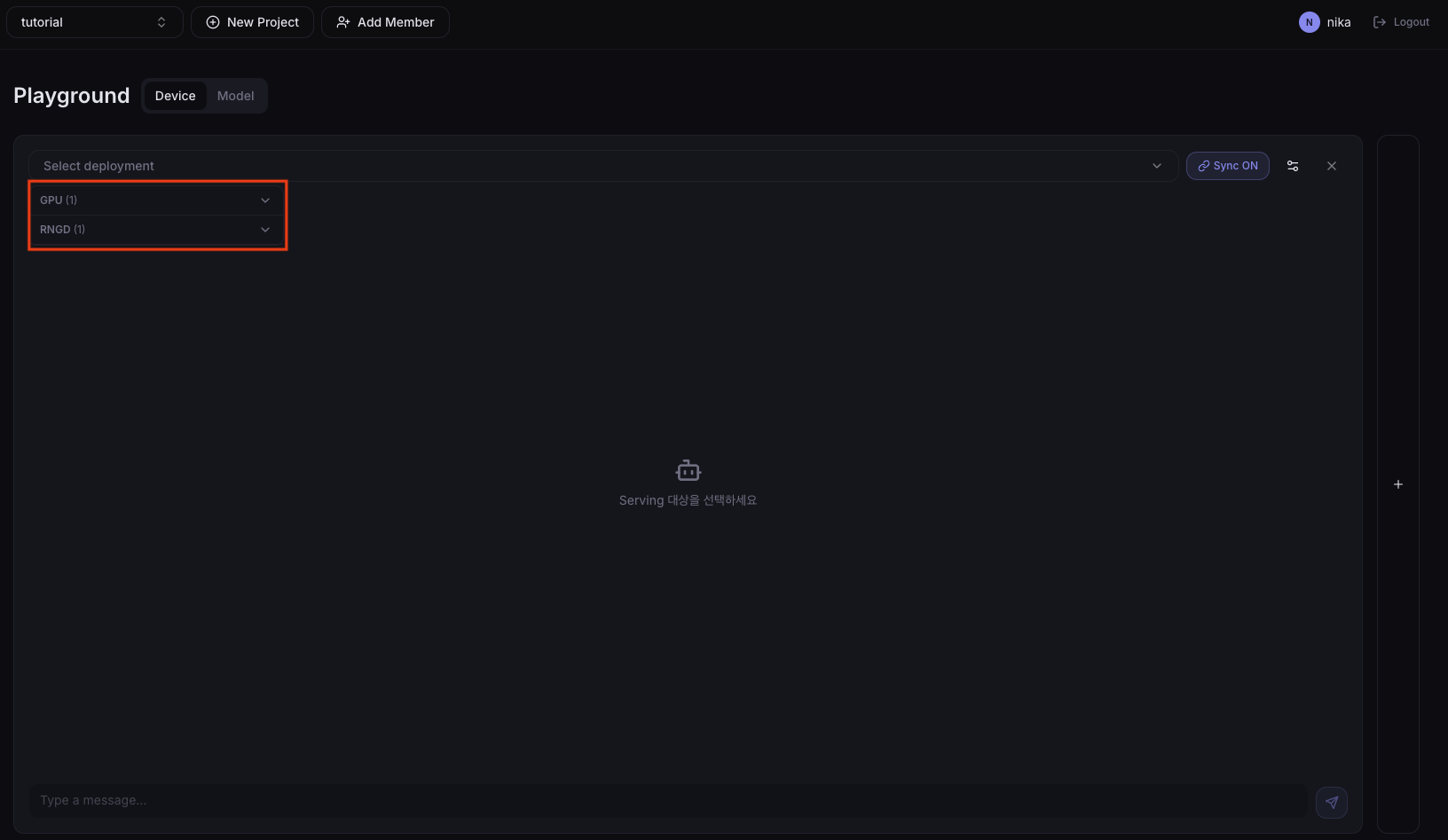
Under NPU, select the serving you want.

3. Run the prompt
Enter the prompt to test and run it. Example:
Summarize the following sentence in Korean: The quick brown fox jumps over the lazy dog.
4. Check performance metrics
When the response completes, check the performance metric results.
Main metrics you can check:
Device tab
- Utilization (%): device compute utilization
- Temperature (°C): device temperature
- Power (W): device power consumption
- Memory (Mem %): device memory utilization
Model tab
- TTFT (ms): time until the first token is output
- ITL (ms/token): latency between successive tokens
- TPS (tokens/sec): output tokens per second
Switch to GPU Serving and Compare
1. Switch to GPU serving
Switch to the GPU serving in the dropdown.
2. Re-run the same prompt
Run the same prompt again.
Next Step
To check device and node metrics, continue to Check Metrics in Monitoring.